The Google Business Profile checklist we run on every client
The exact cleanup that fixes most local visibility problems, from categories to reviews.

TL;DR
- Most local visibility problems trace back to an incomplete or inconsistent Google Business Profile, and a structured cleanup fixes the majority of them.
- The checklist covers verification, exact business name, primary and secondary categories, NAP consistency, hours, services, photos, reviews, and posts.
- The most common mistakes are keyword-stuffed names, a wrong primary category, and a phone number or address that does not match your website.
- You can measure progress inside the profile itself: calls, direction requests, website clicks, and the searches people used to find you.
Your Google Business Profile is usually the first thing a potential customer sees, before your website, before your reviews page, before anything you paid a designer for. When that profile is incomplete or wrong, you lose calls you never knew you were losing. This is the exact checklist we run on every FoundRank.ai client, and you can run most of it yourself in an afternoon.
Why does your Google Business Profile matter so much?
Because for local searches, the profile often is the search result. The map pack sits above the regular listings, and AI tools like Gemini and ChatGPT pull business details from the same data when someone asks for “the best plumber near me.”
Think about how you search. You type “ac repair pembroke pines,” you see three businesses on a map, and you call one of them. You probably never scroll past that box. If your profile has the wrong category or a phone number that rings nowhere, you are invisible during the exact moment someone is ready to spend money. That matters even more now that AI visibility depends on the same clean, consistent business data Google does.
How do you fully optimize your Google Business Profile?
Work through it in order: verify ownership, fix your name and categories, lock down your contact information, then build out the parts that earn trust, like photos and reviews. Completeness and consistency do most of the heavy lifting.
Here is the checklist we run, in the order we run it:
- Claim and verify the profile. Nothing else counts until you control the listing. If an old employee or a past marketing company owns it, recover access first.
- Use your exact real-world business name. Not “Joe’s Plumbing | Best Plumber Fort Lauderdale 24/7.” Google can suspend profiles for stuffed names, and a suspension hurts far more than a keyword helps.
- Pick the most specific primary category. “Bathroom remodeler” beats “Contractor” if bathrooms are your bread and butter. Then add secondary categories for your other services. Google allows up to 9 secondary categories, but only add ones you actually do.
- Match your name, address, and phone number everywhere. Your profile, your website, and your directory listings should agree to the letter. Mismatches make Google less confident about who you are.
- Set real hours, including holidays. A “closed” label at 2 p.m. on a Tuesday sends customers straight to a competitor.
- Write a plain description and list every service. Say what you do, where you do it, and who you do it for. List services with short descriptions so both Google and AI tools understand your full menu.
- Add real photos, then keep adding them. Your team, your trucks, your finished work. Stock photos are wallpaper. Real photos are proof.
- Ask for reviews and answer every one. Replies show Google and future customers that a real person runs this business.
- Post updates at least a couple of times a month. Finished projects, offers, seasonal reminders. An active profile signals an active business.
None of this is complicated. It just requires someone to actually do it, carefully, and most owners are too busy running the business.
What are the most common Google Business Profile mistakes?
The big three are a keyword-stuffed business name, a wrong or overly broad primary category, and contact details that do not match the website. Each one either hides your profile or sends real customers to a dead end.
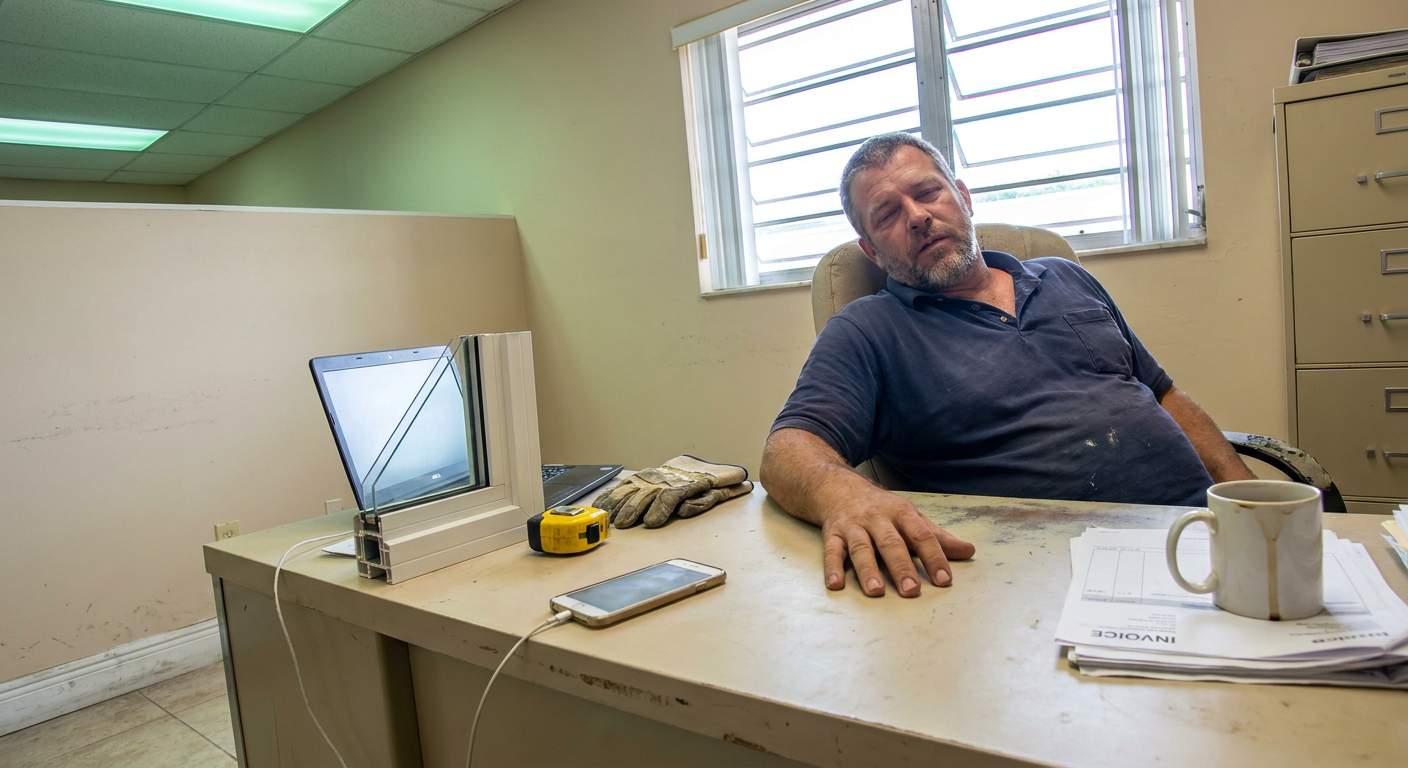
I will tell you about the one that still bothers me. Before Modern Window Solutions became a client, David was paying $700 a month for a website that had other companies’ information on it, a generic template, a broken link, and the wrong phone number. He was paying good money to send his own customers somewhere else. We rebuilt the site, cleaned up the profile so every detail matched, and over the 90 days through early October 2026 the business earned 47,189 Google search impressions, up from 352 in the 90 days before. In my experience, most “Google ignores my business” problems are not mysteries. They are a wrong phone number, a lazy category choice, or a profile nobody has touched since 2021.
A few more mistakes we see constantly in South Florida:
- Service-area businesses showing a home address. If you work at customer locations, hide the address and set a service area instead.
- Ignoring negative reviews. One unanswered complaint reads worse than three answered ones.
- Letting anyone edit the profile. Google accepts public suggestions, and unwatched profiles drift. Check your info monthly.
If your website itself is part of the problem, that is a web design conversation, because the profile and the site have to tell the same story.
How do you check Google Business Profile performance?
Open your profile dashboard and click the Performance tab. It shows calls, direction requests, website clicks, messages, and the search terms people actually used to find you.
Watch two things over time. First, interactions: are calls and website clicks trending up month over month? Second, the search queries: are people finding you for the services you want to sell, or only for your business name? Branded searches mean people already know you. Unbranded searches (“impact windows hollywood fl”) mean Google is introducing you to strangers, and that is where growth comes from. Pair this with Google Search Console on your website and you get the full picture, which is exactly how we track results for every client we work with.
What if the checklist does not move the needle?
Then the problem usually sits deeper than the profile: weak website content, missing location pages, thin reviews compared to competitors, or citation listings that contradict each other. The profile is the front door, but Google still judges the whole house.
That is where a broader local SEO effort comes in, connecting your profile, your website, your reviews, and your presence in AI search results into one consistent system. A great profile attached to a weak site can only carry you so far, and the reverse is true too.
Run this checklist this week. Fix the name, the categories, the phone number, and the hours first, since those are the fastest wins, then build the photo and review habits over time. If you would rather have us look at it, our free visibility check shows you exactly where your profile and website stand today, and our Google Business Profile tune-up is a $350 one-time cleanup for South Florida businesses that want it handled right the first time.
Questions owners ask
How do you fully optimize a Google Business Profile?
Verify the profile, use your exact real-world business name, pick the most specific primary category, add relevant secondary categories, and make sure your name, address, and phone number match your website exactly. Then keep it alive with photos, review replies, and regular updates.
What are the most common Google Business Profile mistakes?
Keyword stuffing the business name, choosing a broad primary category, leaving old hours or a wrong phone number up, and never responding to reviews. Any one of these can quietly cost you calls.
How do I check my Google Business Profile performance?
Open the Performance tab inside your profile dashboard. It shows calls, direction requests, website clicks, and the actual search terms people used to find you, so you can see whether your cleanup is working.
How long does it take to see results after optimizing a profile?
It varies by market and competition, and nobody can promise a timeline. That said, we have watched corrected profiles start showing up in searches within a few weeks once the basics were fixed.
Founder of FoundRank.ai. 20 years of technology and industry experience, 10 of them in Broward County local government, and roughly 6 working with AI and automation. He helps South Florida service businesses and churches get found on Google and recommended by AI. More about Jerry
Ready to get found?
Tell us your business and top service area. We will show you exactly where you stand on Google and across AI today, free.
Get a free visibility check ↗